Why Shift Planning Breaks First When a Business Starts Scaling
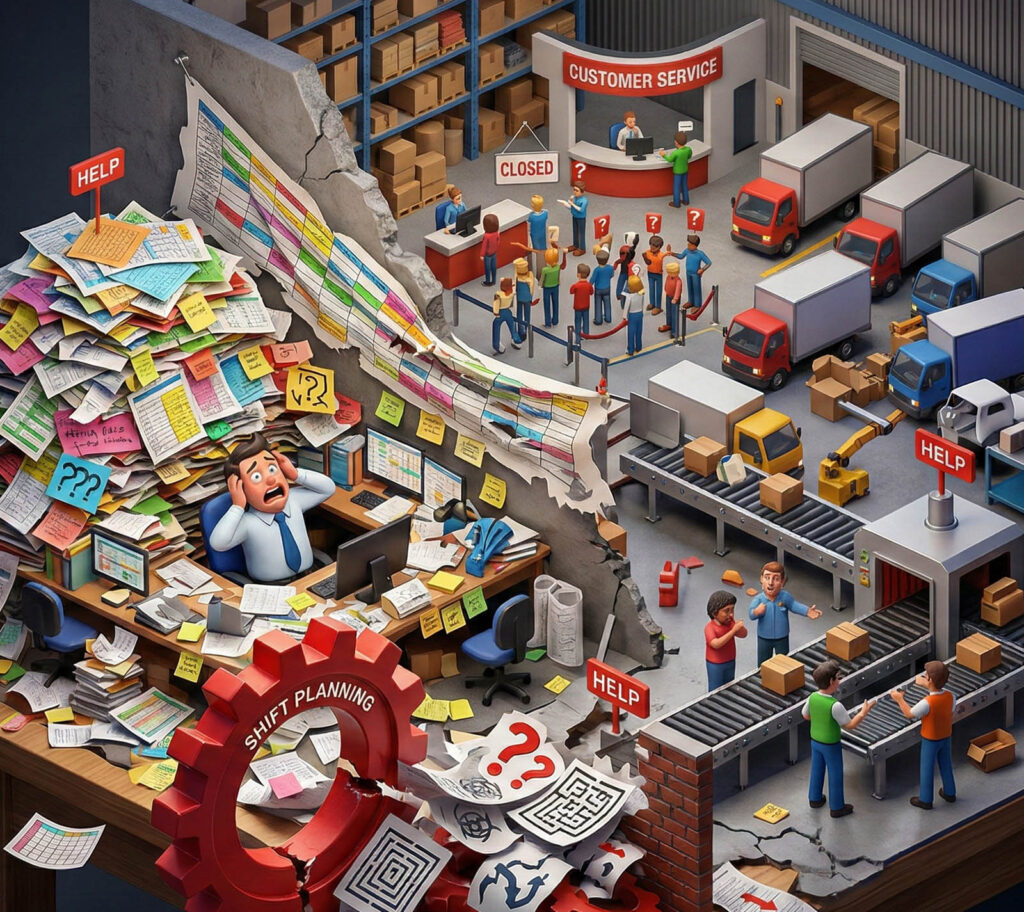
Most teams don’t “choose” chaos. It just appears when the business grows. More clients, more tasks, more employees, more last-minute changes. And the first thing that usually breaks is shift planning.
At the start, a spreadsheet feels fine. A manager updates the schedule, sends a message, and everyone adjusts. But as soon as you have multiple roles, part-time staff, sick days, vacation requests, and coverage requirements, manual scheduling becomes a constant patch job.
The real goal is not to build a perfect schedule. The goal is to build a scheduling process that stays stable even when the week goes sideways.
The hidden costs of manual scheduling
You overpay without noticing
Overtime isn’t always caused by demand. Often it comes from weak planning. If coverage is unclear, managers keep “saving the day” by extending whoever is already present. That habit quietly grows into a permanent cost.
You lose reliability
When schedules change too often, people stop trusting them. Employees check less, managers repeat updates, and someone always “didn’t see the message.” The result is late starts, gaps in coverage, and stress that spreads across the team.
You create unfairness by accident
Even good managers can unintentionally overload the same employees, because those employees are reliable and respond fast. Over time, that becomes resentment and burnout, and then you lose the people you most depend on.
What an expert shift planning process looks like
Start with coverage, not availability
A strong schedule begins with what must be covered, not with who is free. That sounds small, but it changes everything. When you plan coverage first, you can distribute work fairly and avoid last-minute holes.
Use one system as the source of truth
If swaps happen in private messages, the schedule is no longer real. The schedule needs to be the place where changes actually happen, so everyone can trust what they see.
Make changes predictable
The best teams don’t eliminate changes, they control them. They use clear rules for how swaps work, how far in advance changes can be made, and who approves exceptions.
This is where modern scheduling tools help, especially when they support templates, quick edits, and visibility across teams. For a practical reference point on how teams centralize scheduling without turning it into bureaucracy, you can start from wfm and see how the workflow is typically structured.
The feature that matters most for shift teams
If your business runs on shifts, the schedule itself should not be a “document.” It should be an active system that updates cleanly, shows ownership, and helps managers plan rather than react. That’s why many teams focus on improving the core scheduling layer first, using a dedicated page like this shift scheduling feature as a benchmark for what good scheduling usually includes.
A simple way to check if your scheduling is costing you money
If two or more of these happen often, your process is already leaking time and budget:
- Overtime shows up even when demand is stable
- Managers spend too much time patching schedules
- Employees complain about short notice and unfair shifts
- Sick days and vacations create panic instead of planning
- Shift swaps happen outside the schedule
- Coverage gaps keep repeating in the same places
The fix is rarely “work harder.” It’s usually “make the system clearer.”
Final thought
Scheduling problems don’t look like finance, but they behave like finance. Small inefficiencies compound. When you build a scheduling process that is predictable, visible, and fair, the payoff shows up everywhere: labor costs, reliability, retention, and customer experience.