Choosing Between Text, Email and Phone Notifications When Sensors Never Stop Talking
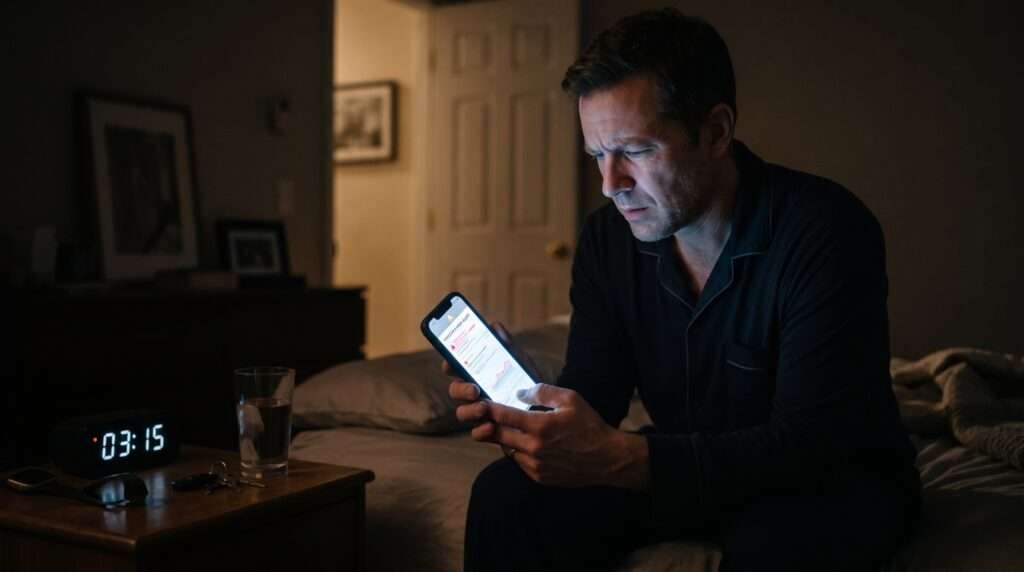
Continuous sensors produce a reading every few moments, and almost none of those readings need a human. The hard part of any alerting setup is deciding which few should interrupt someone, and how. A temperature excursion in a freezer at 2 a.m. only matters if the right person learns about it while there is still time to act.
This comparison looks at SMS, email and push notifications from the seat of the operations team that has to answer them. As of November 2026, any current smartphone can receive all three, so the question is no longer what is possible but what is appropriate. Cold storage sharpens that question, because it punishes a slow response harder than most environments.
What does ultra-low freezer monitoring need from an alert channel?
Ultra-low freezer monitoring needs an alert that reaches a named person quickly, says which reading crossed which threshold, and keeps asking until someone acknowledges it. The limits themselves come from the stored product: CDC guidance says storage and handling for FDA-approved vaccines follows the manufacturer’s package insert, so the monitoring tool’s job is to watch those limits continuously, not to invent them.
Swift Sensors, an Austin, Texas maker of wireless sensors and the Swift Sensors Cloud Console for remote temperature and environmental monitoring, offers one example of how the pieces fit. Its sensors transmit over Bluetooth 5 to a gateway, which forwards data to the cloud over Ethernet, WiFi or cellular, so readings appear in the console in real time. If the connection drops, the gateway keeps storing readings as long as it has power and uploads them on reconnection.
Probe choice matters as much as the alert channel in these units. Readers who want the sensor side of ultra-low storage, including the thermocouple adapter, the T-type probe and the stainless steel probe sensors that fit glycol buffer bottles, will find it laid out in this overview of freezer monitoring. That pairing extends monitoring below minus 100 C.
How do SMS, email and push alerts compare?
In short, SMS is the dependable interrupt, email is the durable record, and push is the most convenient but the most dependent on phone settings.
- SMS: Strength: Reaches any phone, no app needed; Weak spot: Easy to scroll past
- Email: Strength: Searchable record with full detail; Weak spot: Read late, if at all overnight
- Push: Strength: Rich context, tap to open; Weak spot: Needs app, permissions, no silencing
- Voice call: Strength: Hard to ignore at night; Weak spot: Needs someone to answer
Said as plainly as possible: SMS interrupts reliably, email documents well, push is quick but fragile, and a voice call is the hardest to sleep through. None of these wins alone. The right choice depends on who is holding the phone, what time it is, and what that person needs to do next.
Push alerts deserve a fair hearing. They can carry richer context than a text, such as a chart or a tap-through to the live reading. Their weakness is dependency: the notification only arrives if the app is installed, signed in, allowed to notify and not silenced by a sleep schedule. For a freezer holding valuable material, that is a lot of conditions to trust at 3 a.m.
Which channel reaches someone fastest during a temperature excursion?
SMS usually does, because it lands on any handset without an installed app, a data connection or a permissions screen. That matters for on-call rotations where phones change hands. Push can look faster on paper, yet it depends on an app, notification permissions and focus modes that can silence everything overnight.
SMS has its own limits. A message is short, easy to scroll past in a busy thread, and carries no history beyond the phone itself. A text that says only “Freezer 4 high” invites a second question, so good alert text names the unit, the reading, the threshold and the time.
Email is the slowest in practice, and the delay is human rather than technical: few people watch an inbox at 3 a.m. Voice calls solve that problem by being hard to ignore, though they demand an answer in the moment. Swift Sensors sends alerts by email, SMS or voice call when a reading crosses a threshold, which lets a team give each channel the job it does best.
Why does silence deserve its own alert?
A freezer that stops reporting looks exactly like a healthy one if the only alerts are for high readings. The same console also alerts when a gateway or sensor stops reporting, which closes that gap. Treat a missing reading as an alarm condition, not as good news.
Silence alerts also catch quieter problems, such as a gateway that lost its network connection. Stored readings keep the history continuous once the link returns, but the team still needs to hear about the outage while it is happening.
Power is one common reason a unit goes quiet. A contact sensor can alert on power loss to a freezer or compressor, and a mini backup power supply can run a gateway for 12 to 15 hours, so reporting continues through a short outage. The goal is to learn about a power loss before the contents begin to warm.
How should alerts escalate so someone always answers?
Escalation turns a single message into a chain of responsibility. A workable ladder looks like this:
- First tier: SMS to the person on shift, with the unit name and reading.
- Second tier: a voice call to a backup if nobody acknowledges within a set number of minutes.
- Third tier: SMS and email to a supervisor or quality lead.
- Every tier: email to a shared mailbox, so the event leaves a written trail.
Thresholds deserve the same care. If every minor drift pages someone, people learn to ignore the pager, and trend graphs help set limits that reflect how a unit really behaves. Food service teams face a similar balance. The FDA Food Code is a model that state, local, tribal and federal regulators use to write retail and food service food safety rules, so those teams should set alert limits from the rules that apply to them.
Test the ladder on a schedule. Have a colleague trigger a threshold during a quiet hour, confirm each tier fires in order, and check that every backup contact’s number is current. Contacts change roles and phones, and an escalation list that points at someone who left is a quiet way for these systems to break.
What should the record show once the alarm is over?
A good alert chain ends with documentation. Corrective-action notes can sit on the measurement graph, the alert record and the alert acknowledgement, so the story of an excursion stays attached to the data behind it. User-level audit trails, electronic signatures and role-based access show who did what, and a Daily Extremes report gives the minimum and maximum for each day. Reading history is kept for up to five years.
Calibration belongs in the same file. In this setup, NIST calibration is performed through an independent ANAB ISO 17025:2017 accredited laboratory, onsite or remote, at standard points from minus 50 C to plus 150 C, so ultra-low probes need their own conversation about calibration points. Records like these help support an audit, but they do not replace the judgment of the people reading them.
Putting the pieces together
Match the channel to the job: SMS to interrupt, voice to escalate, email to record, and push only where your team has confirmed it reliably gets through. Test the whole chain before it is needed, and treat silence as an alarm. In practice, an alert is worth sending only when someone is certain to act on it, and the best system is the one your team still trusts at 3 a.m.